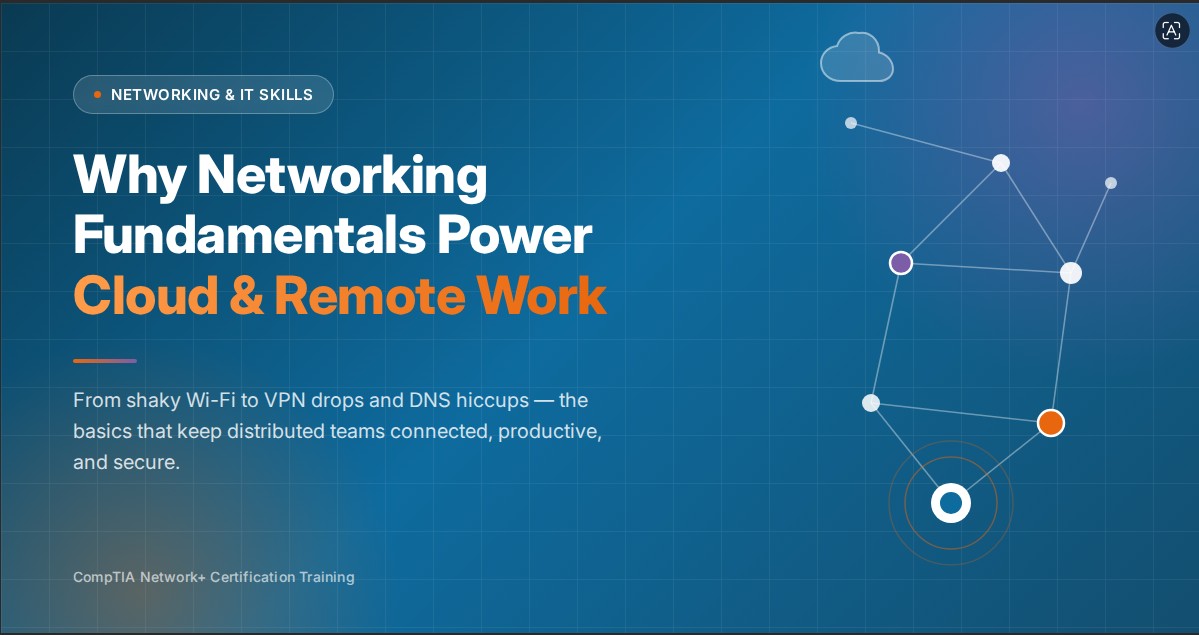

Remote work and cloud tools have become part of daily work. People join meetings from home, open files from cloud storage, use online apps, and connect with teams from different places. All of this looks easy when the network is working properly.
But when the connection is poor, work slows down quickly. A video call may freeze, a file may not upload, or a company app may not open. This is why networking basics are still important. Learners who want to understand these basics can start with CompTIA Network+ Certification Training to learn how devices, internet, cloud tools, and remote access work together.
Remote Work Needs a Good Connection
Remote employees depend on home Wi-Fi, mobile data, or shared internet. If the connection is weak, even simple tasks can take more time.
For example, an employee may think the company app is slow, but the real issue may be weak Wi-Fi or too many devices using the same internet at home. Basic networking knowledge helps find the real problem faster.
Cloud Tools Still Need Networks
Cloud tools may be online, but they still need a network connection. Email, cloud storage, CRM tools, online meetings, and project apps all depend on the internet.
When the network is unstable, cloud tools also become hard to use. This is why cloud work is not separate from networking. It depends on networking every day.
Devices Need Addresses
All devices connected to a network require a unique address to ensure data reaches the correct destination. Laptops, phones, printers, and servers must be properly identified for effective communication.
When a laptop connects to Wi-Fi, it receives a network address, allowing it to access websites, use apps, and send or receive data.
DNS Helps Apps and Websites Open
People remember website names, but networks use addresses. DNS helps connect the website name to the right address.
If DNS is not working, a website or cloud app may not open even when the internet is connected. This is a common issue in daily troubleshooting.
VPN Helps Remote Users
Many companies use VPNs so employees can access internal systems from home or outside the office. A VPN creates a safer connection between the user and the company network.
If the VPN disconnects, the employee may not be able to open internal tools. Networking knowledge helps IT teams check whether the issue is with the internet, login, VPN settings, or company system.
Wi-Fi Quality Matters
Many remote work problems come from weak Wi-Fi. The router may be far away, the signal may be blocked, or many people may be using the same connection.
Simple steps can help. Moving closer to the router, restarting the router, or using a wired connection during important meetings can make the connection better.
Speed Is Not Everything
Internet speed is important, but it is not the only thing that matters. Delay also affects remote work, especially during video calls.
A person may have good speed but still face voice delay or freezing during a meeting. This happens when the connection is not stable. Networking basics help people understand this difference.
Security Is Important for Remote Work
Remote work also brings security risks. Employees may connect from home networks, public Wi-Fi, or personal devices. This can create problems if the connection is not safe.
Strong passwords, secure Wi-Fi, VPN, access control, and regular updates help protect company data. Networking knowledge helps professionals understand why these steps are important.
Troubleshooting Saves Time
Network problems are common. A user may say the internet is slow, the app is not opening, or the video call is not working.
With basic networking knowledge, IT teams can check step by step. They can check Wi-Fi, device connection, VPN, DNS, and internet service instead of guessing.
Why Network+ Knowledge Helps
CompTIA Network+ helps learners understand networking in a simple and practical way. It covers devices, connections, IP addresses, wireless networks, troubleshooting, and basic security.
These skills are useful for IT support, network support, cloud support, system administration, and cybersecurity roles. Professionals who want to compare learning options can visit SterlingNext network skills programs for career-focused training options.
Conclusion:
Cloud and remote work depend on networking every day. Without a stable network, online tools cannot work properly.
Networking is not only about routers and cables. It is about helping people stay connected, access company tools, work safely, and finish tasks without interruption.
